
Asana Project Templates: Three Examples of Custom Views
Last updated on
04.02.2026
by
Uli Kisslinger
The ability to save custom project views directly in project templates is, in our view, one of the most important features Asana has released in recent weeks.
Using three concrete use cases, this article shows why this feature is so valuable and how it helps to consistently and efficiently standardize project creation.
Waterfall and Kanban in a Single Project
In Asana, project templates are often used for projects that are organized according to the waterfall methodology.
Typically, these projects are divided into different sections in which tasks are grouped. These sections usually represent time-based project phases or thematically related work packages.
To represent such a project plan, Asana’s List view is particularly well suited. It displays tasks as a structured list, organized by sections and worked through from top to bottom.
In practice, however, another dimension is often relevant. Many tasks pass through a defined process as work progresses. Accordingly, they exist in different workflow states, such as In Progress, In Review, or Completed.
While the List view is ideal for displaying a project plan over time, a Board view (Kanban Board) is much better suited for grouping tasks by their workflow status.
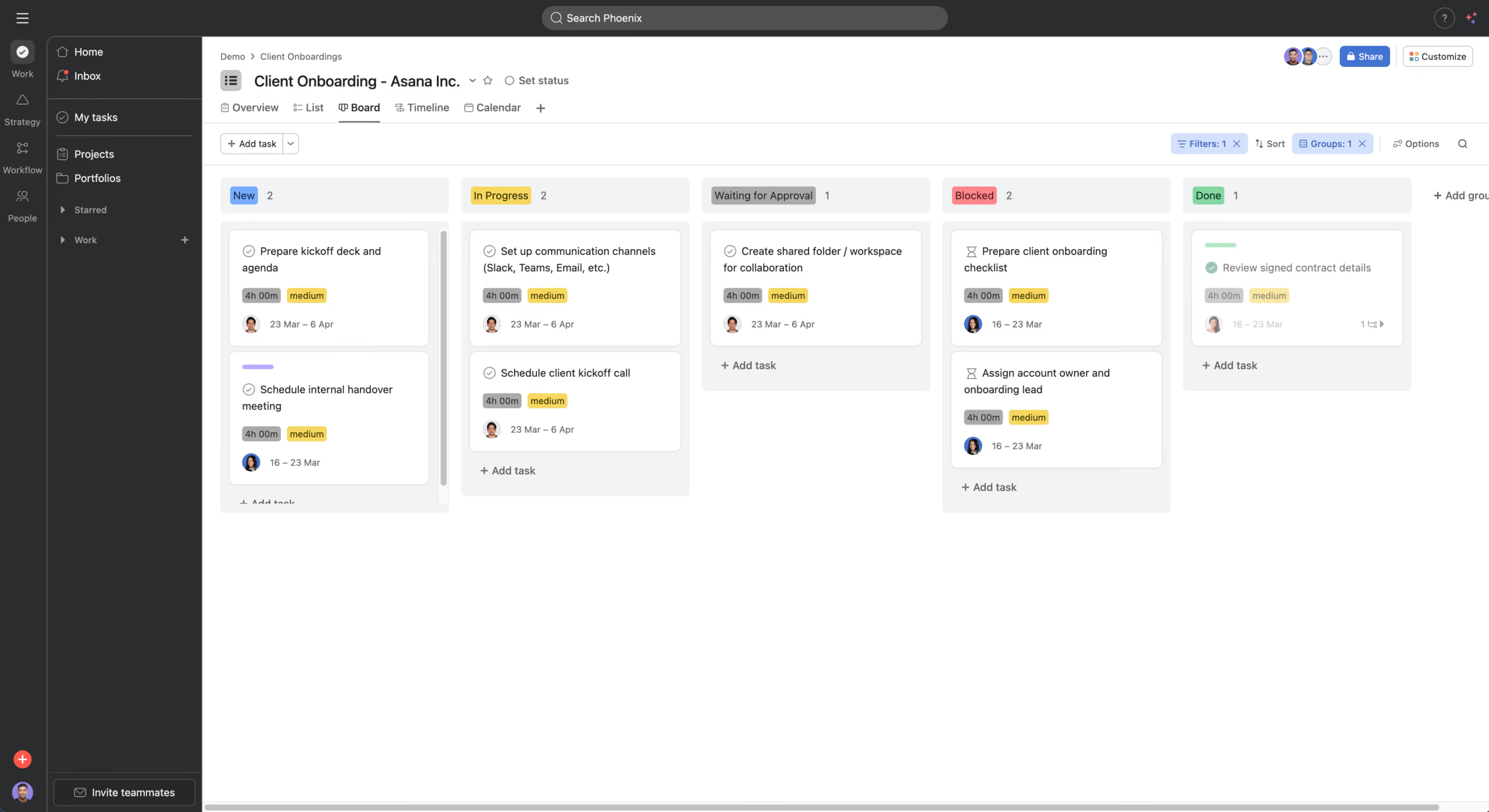
With the new feature, both views can now be prepared directly in the project template:
- a List view that structures tasks by time-based project phases
- a Board view that displays tasks in Kanban columns based on their status
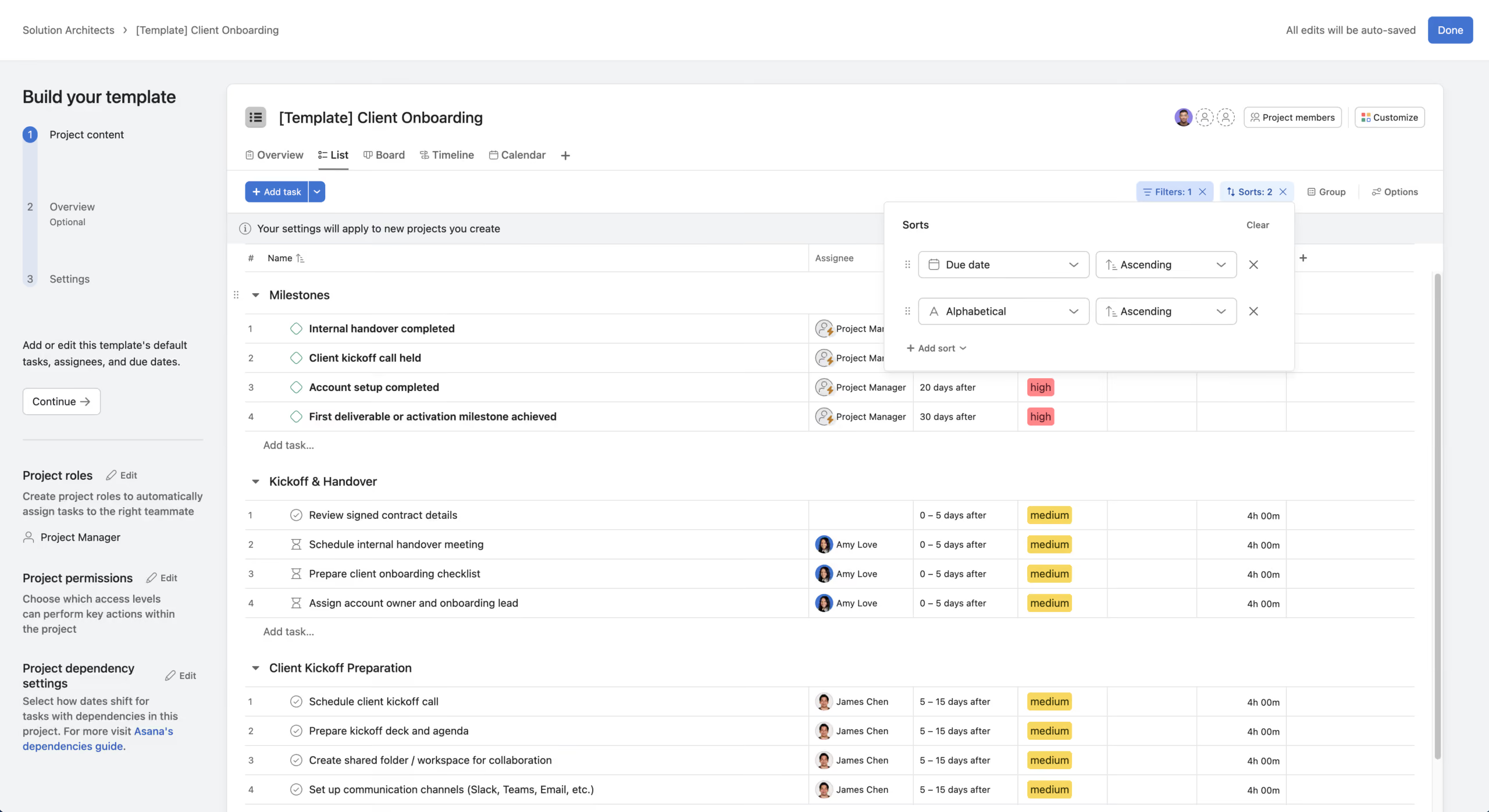
This makes it possible to combine waterfall and Kanban in a single project and establish this approach as a standard from the very beginning.
Different Views for Different Roles
Different stakeholders access projects in Asana for different reasons.
Project managers typically require a complete and detailed overview of the entire project plan.
Project members are often primarily interested in their own tasks or the tasks of their team.
Management, on the other hand, usually only needs a concise overview of progress and milestones.
Using saved views in project templates, for example, three different views can be prepared:
- a high-level overview with all tasks and milestones for project management
- a dynamically filtered view that displays only the tasks assigned to the currently logged-in user
- a management view that shows only milestones and thus provides a compact overview of project status
Organizing Items That Are Not Really Tasks
In projects, we primarily work with tasks and milestones. However, there are recurring use cases in which information needs to be captured that does not represent classic to-dos.
A typical example is tracking budgets and costs.
Often, there is a requirement to represent multiple budget items within a project, for example for ads, social media, or external services. The same applies to cost items. Technically, these are created as tasks in Asana, but they do not represent concrete work assignments.
We label these tasks using a custom field, such as “Type = Budget/Cost,” and at the same time filter them out of the actual project plan.
Using a separate project tab, a List view can be defined that shows only tasks of this type, clearly separating budgets and costs from the operational project plan.
This ensures that all relevant information is cleanly captured and available for analysis in Asana without affecting the day-to-day project plan.
This principle can also be applied to other special cases, such as products or assets that are modeled as tasks but are not part of the actual project work.
Conclusion
Anyone who has not yet used project templates in Asana, or has only used them to a limited extent, should take a closer look at this feature.
From our perspective, there are currently few other enhancements that enable a comparable level of standardization, especially in combination with features such as Bundles or Portfolios.
Custom project views in templates not only reduce manual effort, but above all create clearer structures and better orientation for everyone involved.
They are therefore less of a convenience feature and much more a central instrument for standardization in project management.
Newsletter abonnieren
Abonniere unseren Newsletter und erhalte Neuigkeiten zu Asana direkt in dein Postfach.
About the author

Related articles
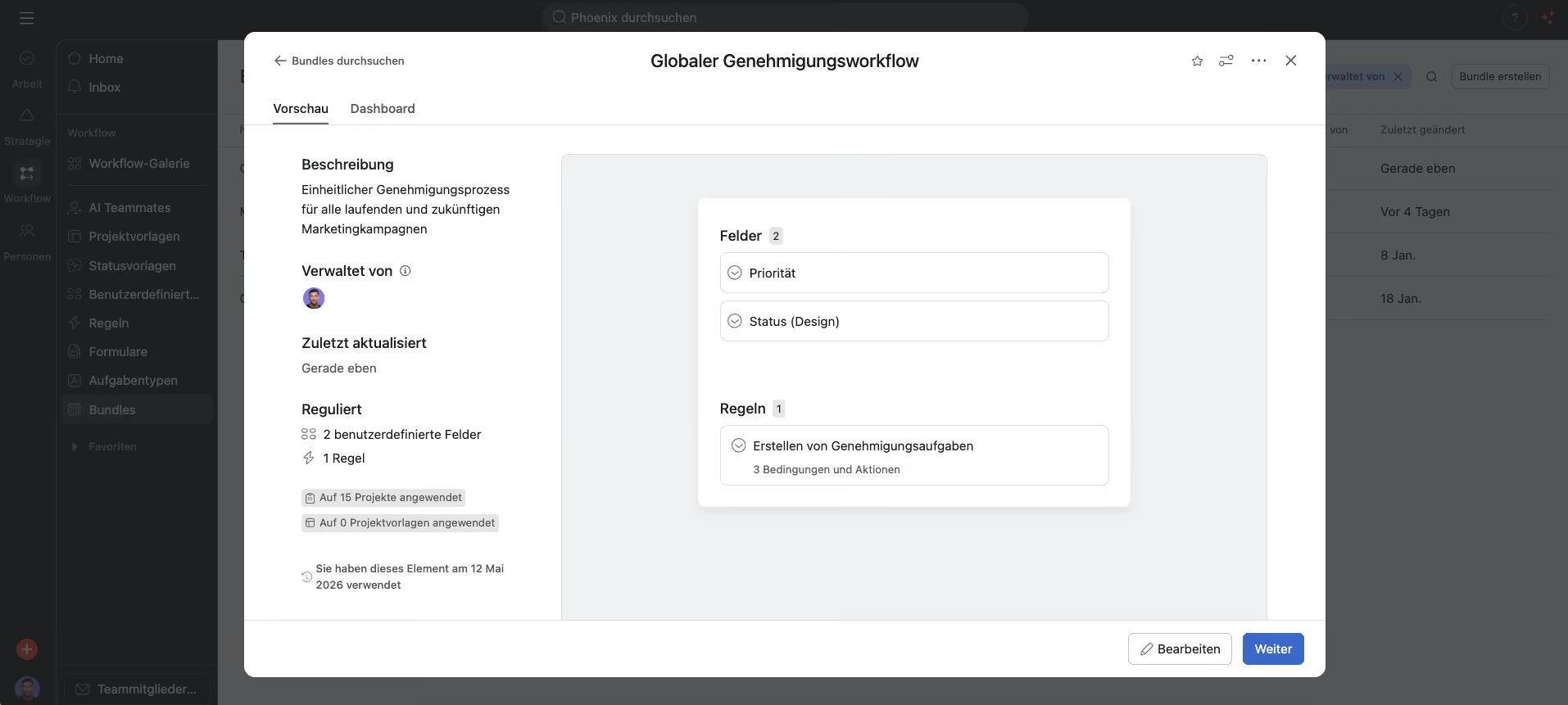
Bundles in Asana: Manage and Scale Processes Centrally
12.05.2026
If you manage a lot of projects in Asana, you know the problem: a process changes, and you end up making the same edit by hand across dozens of projects. It costs time and it introduces mistakes. Here's what Asana Bundles actually do, and when they're worth using.
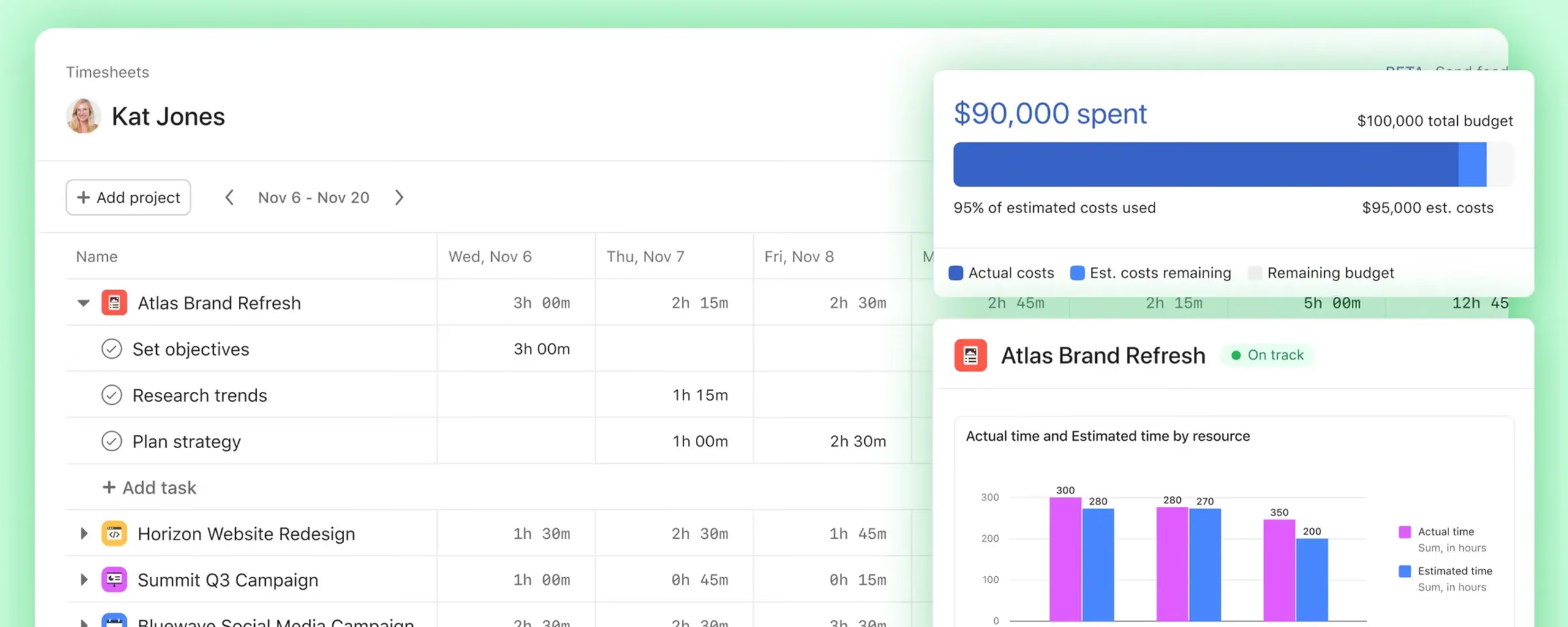
Asana Timesheets & Budgets: What the add-on can do and who it’s for
23.03.2026
Native time tracking in Asana is often enough for internal projects. But once billable hours, approval workflows, and budget control come into play, it reaches its limits. We explain what the Timesheets and Budgets add-on actually offers, and which teams benefit most.

NetFlows and PageProof enter into a strategic partnership
29.01.2026
NetFlows has entered into a partnership with PageProof, a leading platform for online proofing and approvals. Through this partnership, we are expanding our ability to support Asana customers even more effectively in implementing efficient, clear, and scalable creative and approval processes in Asana.