
Asana Timesheets & Budgets: What the add-on can do and who it’s for
Last updated on
23.03.2026
by
Uli Kisslinger
If you work in a team that handles client projects, you know the situation: you track hours, but don't consistently categorize them as billable or non-billable. You submit timesheets, but no one reviews them systematically. You plan budgets, but only check them against reality at the end of the project.
Asana's native time tracking solves part of this challenge. It tracks hours, aggregates them, and displays them in dashboards. That's often enough for internal reporting. But it's not enough for agencies that need to bill hours to clients, manage budgets, and approve timesheets. This is exactly where the Timesheets & Budgets add-on comes in.
What the add-on offers
The add-on isn't a standalone time-tracking tool. It's a direct extension of Asana. It builds on the time data that already accumulates during everyday project work and adds three things the standard solution lacks: a clear split between billable and non-billable hours, a structured approval process for timesheets, and real-time budget control. For teams managing billable work, this closes the gap between internal task management and professional project controlling.
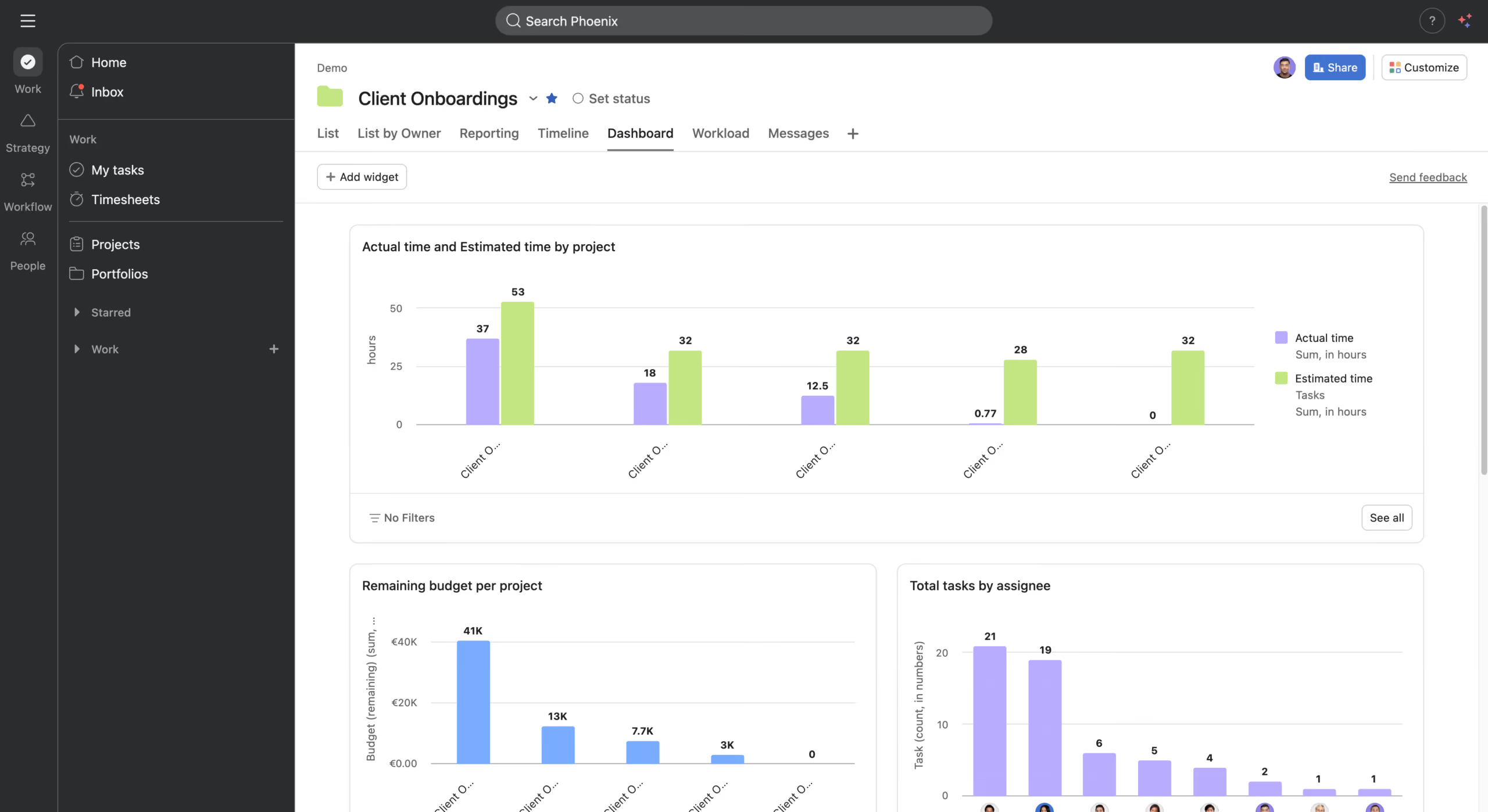
Billable status for time entries
In the standard solution, everything lands in the same bucket: client projects, internal syncs, team events. Billable and non-billable aren't categories Asana recognizes out of the box. The result: every invoice means another round of manual rework in Excel.
Asana Timesheets & Budgets categorizes every time entry right when you log it. Not afterward. Not in a separate tool. You can filter timesheets by billable status and export the data directly to accounting. The hours on your invoice are no longer a reconstruction. They're documented from day one.
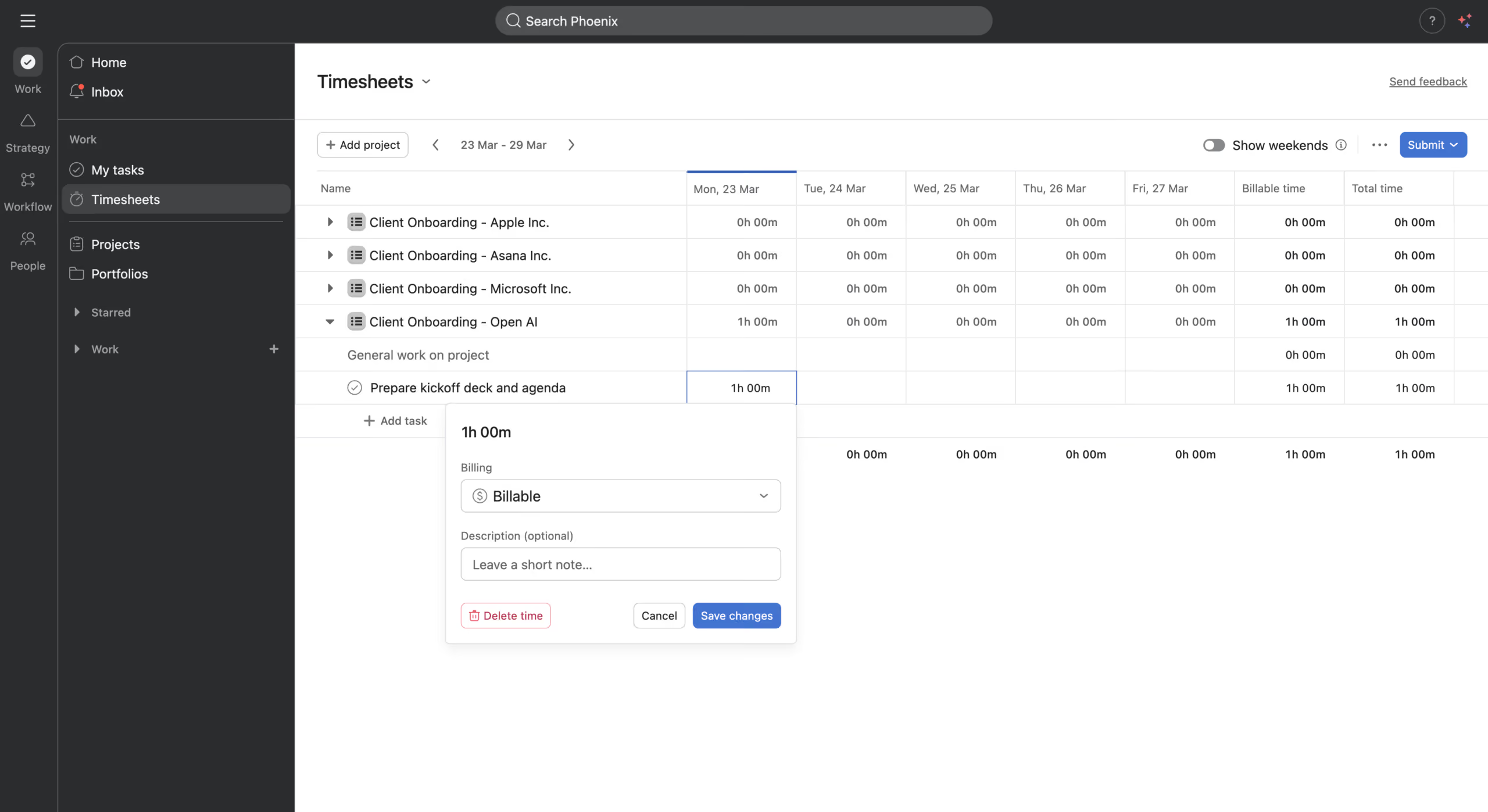
Structured timesheet approval
Most teams know this scenario: invoices are due, and someone forgot to log their time. Someone else booked their hours to the wrong project. Cue the follow-up via Teams, Slack, or email.
The add-on replaces this process with a structured workflow. Team members submit weekly timesheets, and managers or project leads review and approve them. Everyone can see the status: Draft, Submitted, Approved, Rejected. No parallel tracking, no guesswork, no chasing people down.
For teams billing multiple clients every month, this isn't a nice-to-have feature. It's what makes on-time, accurate invoicing possible.
Real-time budget control
Most tools show you the past. You find out a project has gone over budget once it's too late to course-correct.
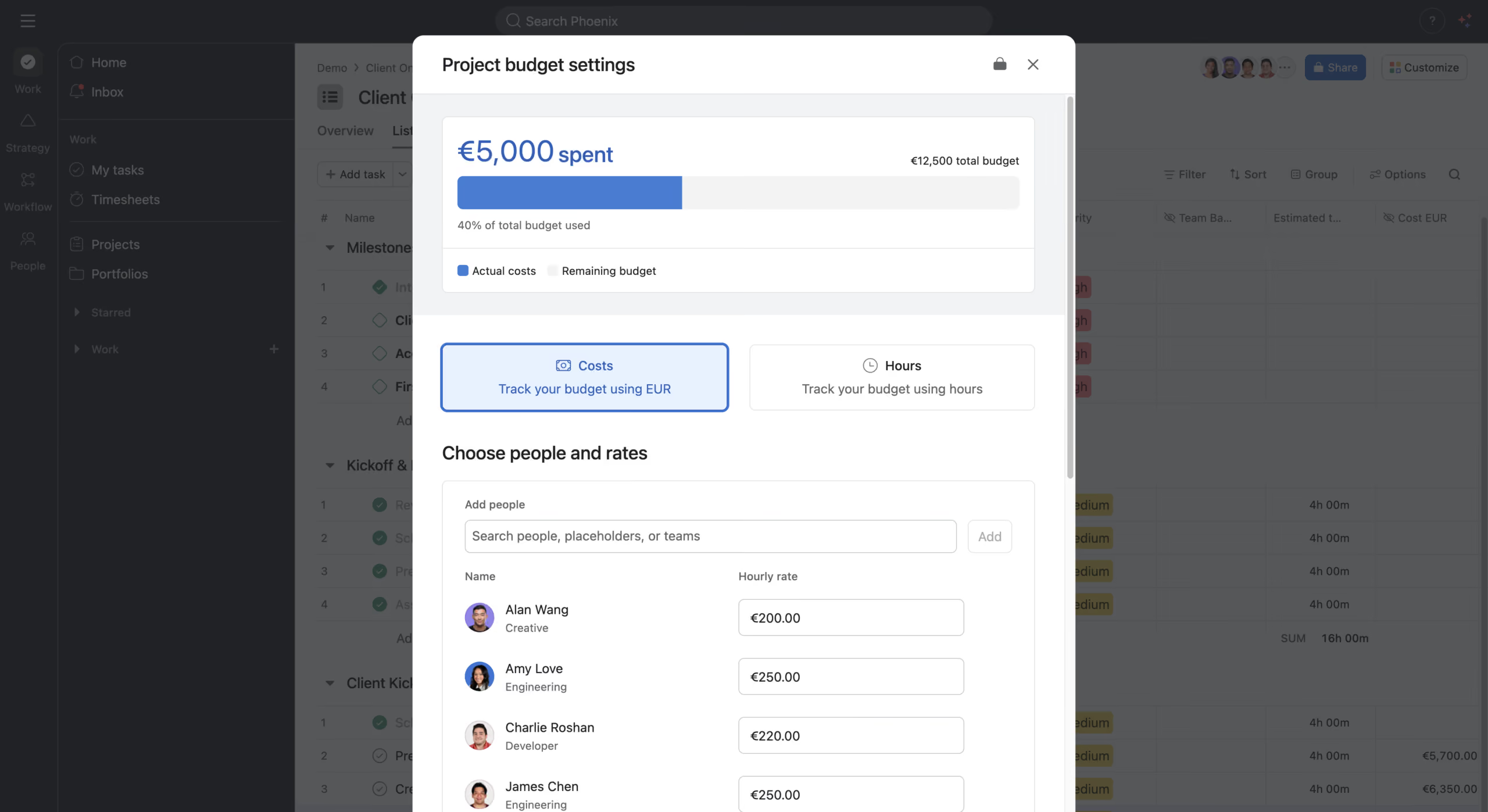
With the Timesheets & Budgets add-on, you can set hourly rates per team member, differentiated by role or experience level. As soon as someone logs time, Asana calculates the actual cost and compares it to the planned budget. The result: a live dashboard showing budget spent and budget remaining.
If a project has already used up most of its budget halfway through, you'll see it in time, not just in the final invoice. You can raise it with the client, reallocate resources, or adjust the plan while there's still something to decide. For sensitive financial data, you can also restrict the budget view to project admins and managers.
Who it's worth it for
The add-on is licensed per user and available from the Starter plan onward. You only buy licenses for the users who actually use these features.
If you run an internal team with no client project work, Asana's native time tracking will take you far. For teams that regularly manage billable work or need to keep project budgets under control, the add-on closes a gap that otherwise shows up as manual rework, delayed invoices, and budget overruns that go undetected.
Bottom line
The Timesheets & Budgets add-on turns the time data Asana already generates into a real management tool: a clear split between billable and non-billable hours, a traceable approval process, and budget transparency that doesn't wait until the end of the project.
Newsletter abonnieren
Abonniere unseren Newsletter und erhalte Neuigkeiten zu Asana direkt in dein Postfach.
About the author

Related articles
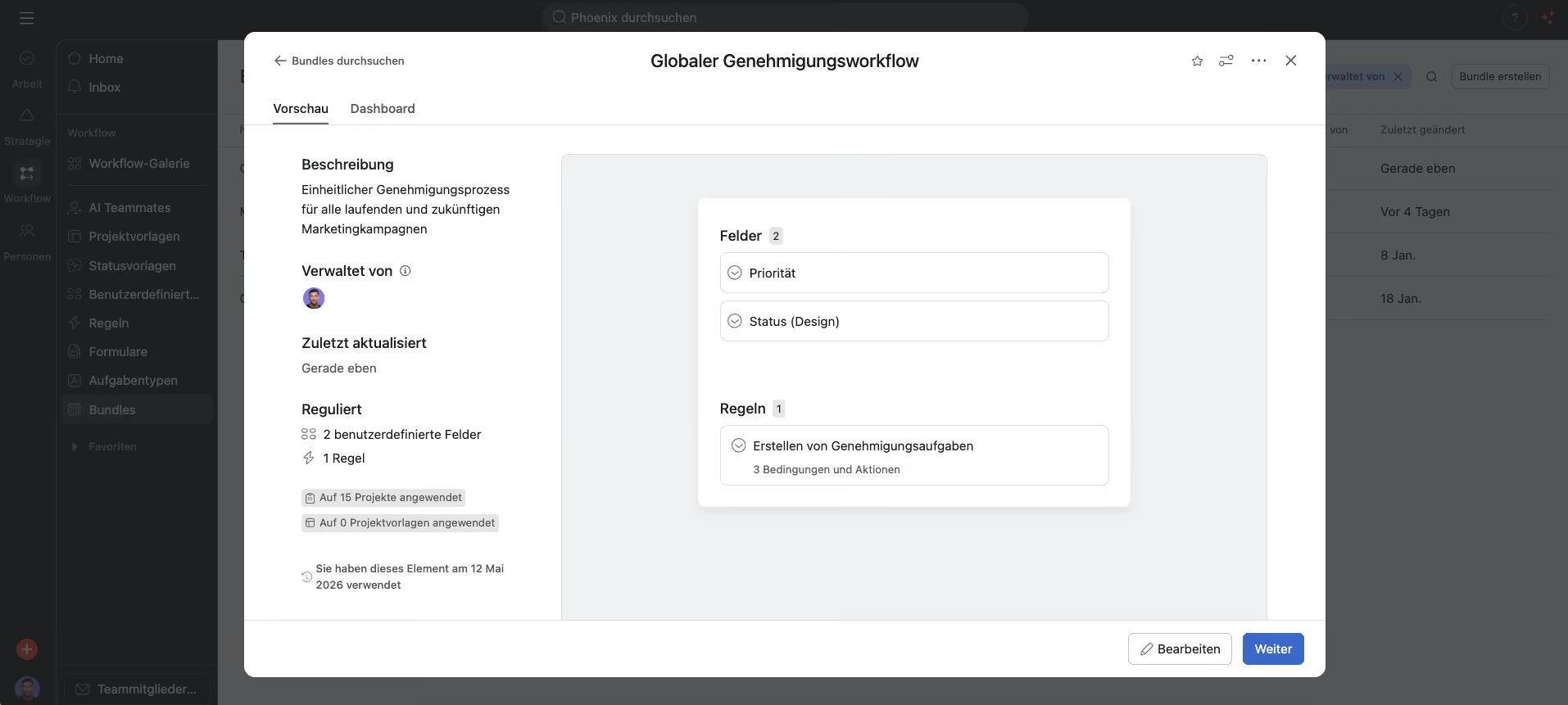
Bundles in Asana: Manage and Scale Processes Centrally
12.05.2026
If you manage a lot of projects in Asana, you know the problem: a process changes, and you end up making the same edit by hand across dozens of projects. It costs time and it introduces mistakes. Here's what Asana Bundles actually do, and when they're worth using.

NetFlows and PageProof enter into a strategic partnership
29.01.2026
NetFlows has entered into a partnership with PageProof, a leading platform for online proofing and approvals. Through this partnership, we are expanding our ability to support Asana customers even more effectively in implementing efficient, clear, and scalable creative and approval processes in Asana.